React Native
[React Native] ScrollView 캐러셀 만들기 (가로 슬라이딩)
hellomingure
2024. 12. 16. 22:06
가로로 슬라이딩 넘기면서, 각 컨텐츠 위치에서 살짝 멈추게끔(snap), 해당 컨텐츠 위치 불릿으로 나타내기
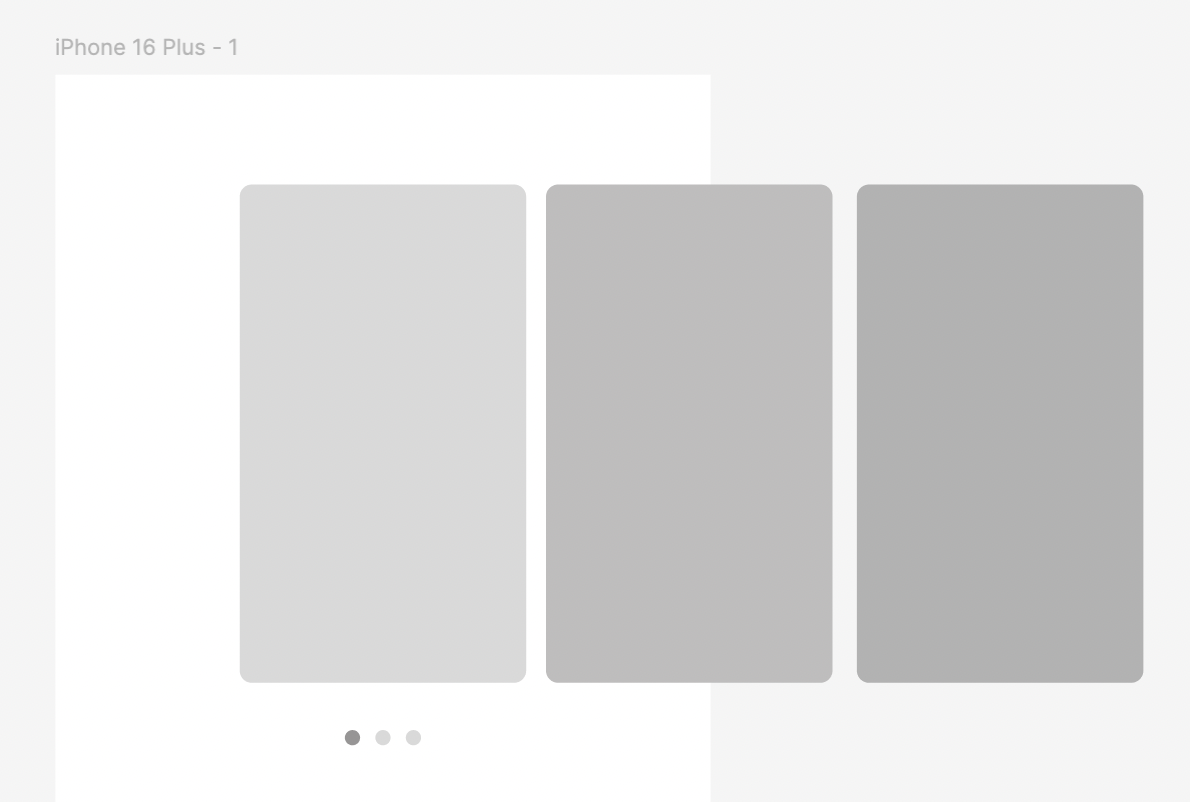
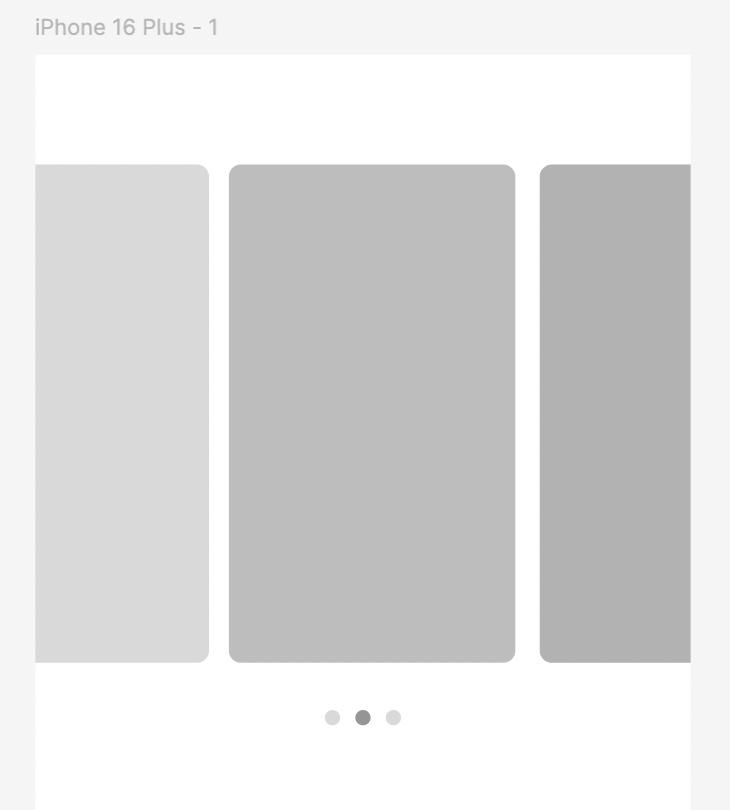
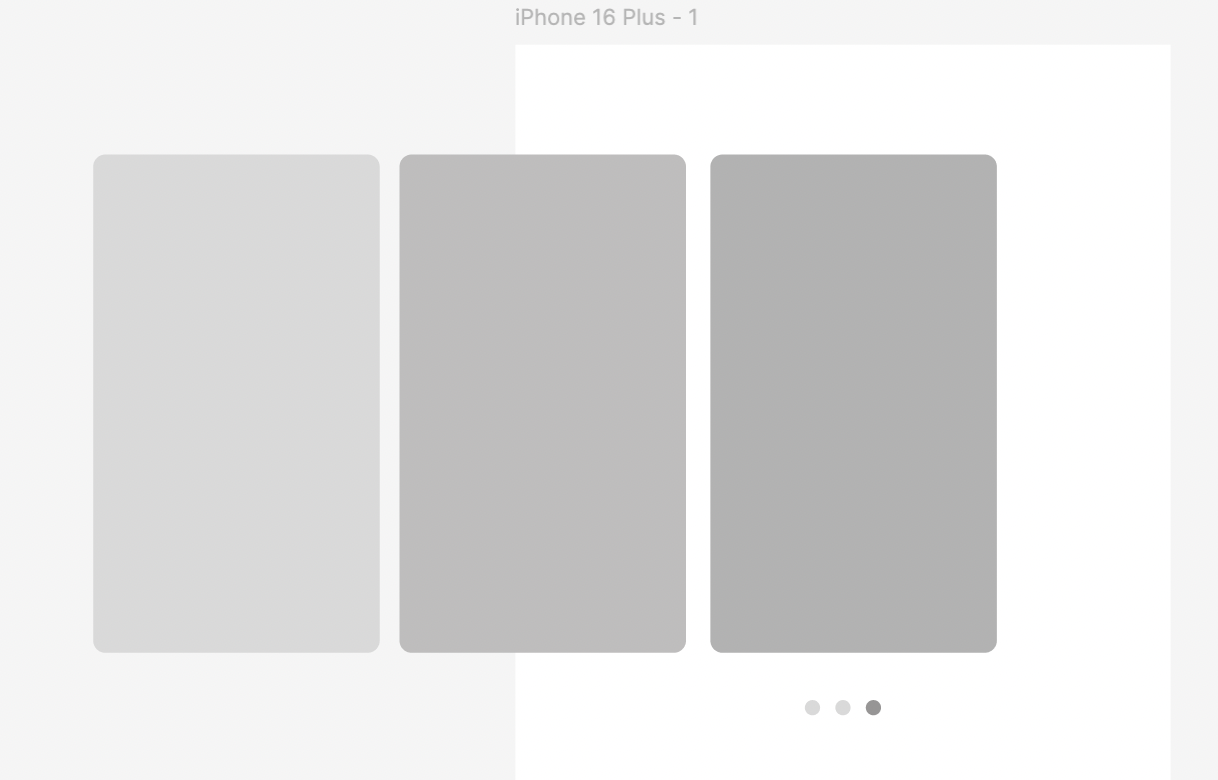
<ScrollView
        ref={scrollViewRef}
        style={{flex: 1}}
        bounces={false}
        horizontal={true}
        showsHorizontalScrollIndicator={false}
        decelerationRate="fast"
        snapToInterval={203}
        snapToAlignment="start"
        contentContainerStyle={{
          width: scale(203) * (cardList.length + 2),
          marginLeft: 90,
        }}
        onMomentumScrollEnd={e => {
          const newPage = Math.round(e.nativeEvent.contentOffset.x / 203);
          setCurrentPage(newPage);
        }}>
        <CardWrapper>
          {cardList.map(card => (
            <CardItem key={card.card_id}>
              ...
            </CardItem>
          ))}
        </CardWrapper>
      </ScrollView>
우선, 가로로 슬라이딩 하면서 위에 효과를 구현하기 위해서는 ScrollView의 특정 옵션을 사용하면 된다.
- horizontal={true} : 가로로 슬라이딩으로 바꾸기
- showHorizontalScrollIndicator : 스크롤 바 나타내기 true/ 숨기기 false
- snapToInterval={사이즈} : 스크롤 내부 컨텐츠 특정 위치
- onMomentumScrollEnd={e => { //특정 이벤트}}:
- e.nativeEvent.contentOffset.x : 처음 컨텐츠 시작하는 위치를 0부터 시작해서 가로로 스크롤 되서 멈추는 시점의 x 값. 이 값을 이용해서 각 컨텐츠 별로 한 화면으로 지정해서 한 페이지 페이지 지정하는 로직 만들 수 있음.
- contentContainerStyle: width값으로 가로 컨텐츠 사이즈에 맞게 스타일링 할 수 있음.